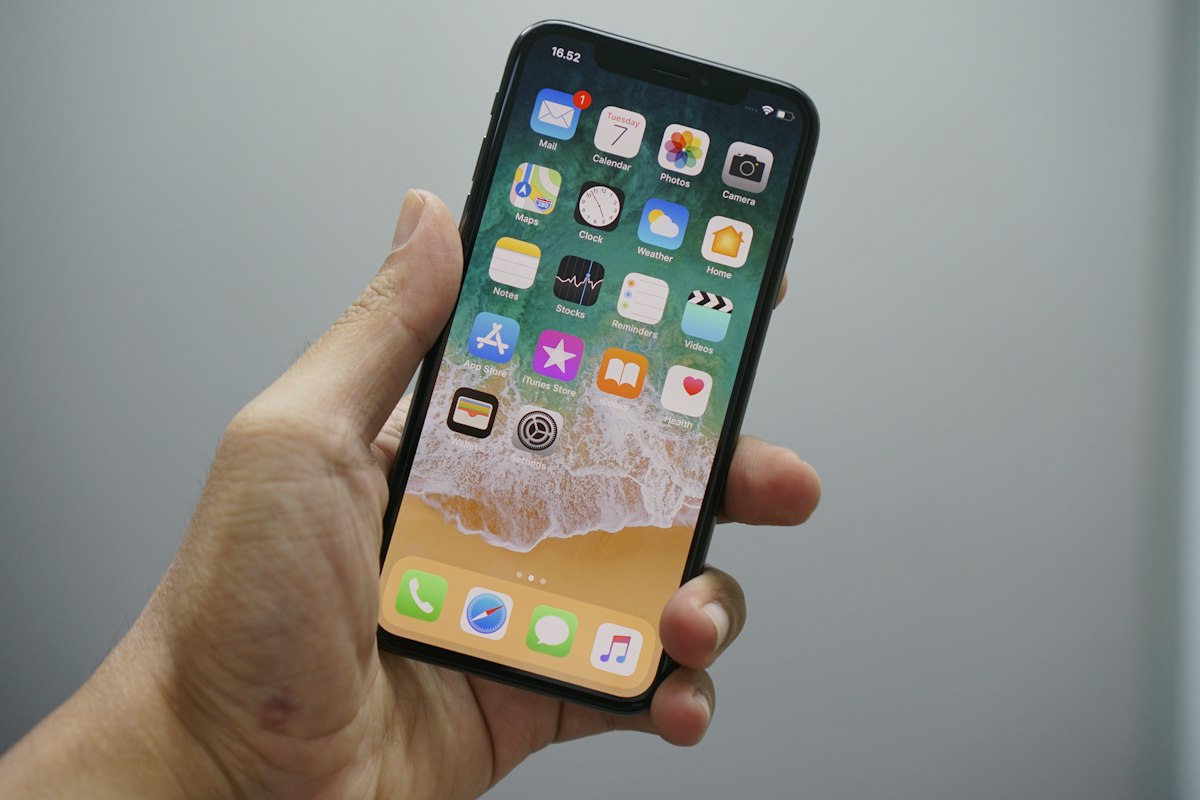
A compact, Pixel-focused guide to buying and installing a NexaEsim Algeria eSIM — compatibility checks, quick install steps, arrival tips and a comparison with airport SIMs.
Quick Answer
Algeria esim for google pixel travel: yes — NexaEsim offers Algeria eSIM plans that work on Google Pixel models that support eSIM. Confirm your Pixel model and unlock status, follow the Pixel install steps below, and pre‑activate if you want data on arrival.
Why choose Nexa eSIM for your Algeria trip?
- Skip airport queues and avoid buying a physical SIM on arrival.
- Pre‑activate or start‑on‑arrival options to match your travel plan.
- Manage top‑ups and extensions from your NexaEsim account without local stores.
- Clear Pixel-specific setup steps and troubleshooting guidance to reduce activation friction.
- Works with local partner networks that may include Mobilis and Djezzy (and other major operators depending on routing and location).
Internet experience in Algeria compared
Deciding between a physical SIM and an eSIM affects time on arrival, flexibility, and whether you need to find a shop at the airport. The table below summarizes the practical differences.
| Buying a physical SIM at Algeria airport | Buying Nexa eSIM online before departure |
|---|---|
| Immediate physical SIM card but requires standing in line and may need ID/registration. | Pre‑activate from home; install via QR/SM‑DP+ and be online on arrival (no queue). |
| May require cash/local payment; plan options vary by shop. | Choose plan durations (1/7/15/30 days, 1GB/10GB/unlimited pages available) and top up in-app. |
| Works immediately in most places once SIM is inserted and registered. | Works on Pixel models that support eSIM; confirm compatibility and unlock status first. |
| Physical SIMs can be moved between devices but require a slot; losing a SIM means a trip to a shop. | eSIM is tied to the device profile; keep activation email and order ID as backup and follow support steps to transfer/replace if needed. |
Local network carriers, coverage, weather and visa notes for Algeria
Local carriers and coverage expectations
NexaEsim traffic in Algeria may route via local partner networks such as Mobilis and Djezzy, depending on location and plan routing. Coverage is generally stronger in cities and main tourist corridors; rural and remote areas may have limited 4G/5G reach. Check official carrier coverage maps for exact locations before you travel.
Useful internal reading: Best eSIM for Algeria Travel 2026 and carrier coverage pages linked from that guide.
Weather & seasonality (planning & data use)
Algeria has varied climates—Mediterranean in the north, desert in the south. Summer heat in southern regions can affect device battery life and roaming needs; winter in coastal areas is milder. Check official weather services for your travel dates and plan data-heavy activities (maps, streaming) for cooler parts of the day to conserve battery.
Visa & entry reminder
Visa and entry rules change. Verify visa and entry requirements with official government, embassy, or airline sources before departure—this guide does not provide legal travel advice.
How to buy in 1 minute
- Open the NexaEsim Algeria product page and choose a plan that matches your trip length and data needs.
- Complete checkout (you will receive an activation email with QR or SM‑DP+ details).
- Install on your Pixel following the steps below or choose start‑on‑arrival if you prefer to activate later.
See plan options in related guides: 10GB eSIM and 1GB short‑trip plan for examples of common use cases.
Practical setup, arrival, and mistake‑prevention guidance
Check device & unlock status
- Find your model: Settings > About phone > Model. Confirm your Pixel model supports eSIM and is carrier‑unlocked before purchase.
- If locked, contact your carrier to request an unlock; an unlocked device is typically required to use foreign eSIM profiles.
Pixel quick install (3‑step summary)
- Open Settings > Network & internet > SIMs (or Mobile network) > Add carrier.
- Scan the NexaEsim QR code from your activation email, or choose manual entry and paste the SM‑DP+/activation details.
- Set the new profile as your mobile data line and enable Data Roaming if you’re in Algeria.
Detailed Pixel UI flows and troubleshooting are available in the Pixel support docs and in device guides for other platforms; see our related device pages for format examples: Algeria eSIM for Samsung Galaxy S24 and Algeria eSIM for iPhone 15 Pro Max.
Manual SM‑DP+ entry and what to expect
The activation email normally contains a QR code and SM‑DP+ string. If you use manual entry, copy the SM‑DP+ address and activation code exactly. If the profile does not download, try restart and reattempt the Add carrier flow.
Dual‑SIM recommendations for Pixel
- Scenario A (recommended for many travelers): Keep your physical SIM for local calls and use the eSIM profile for data only — set eSIM as Mobile data in Settings.
- Scenario B: Use eSIM for both data and voice if you’ve ported or set up voice services; ensure correct primary line settings in Settings > Network & internet > SIMs.
- Always test a quick web page or speed check after activation and verify tethering if you plan to hotspot.
FAQ
Will a NexaEsim Algeria eSIM work on my Google Pixel?
Short answer: It can — if your Pixel model supports eSIM and is unlocked. Confirm your exact Pixel model and Android version, then proceed. If unsure, check the device compatibility information on the NexaEsim product and support pages.
How do I install an Algeria eSIM on a Google Pixel?
Three steps: (1) Open Settings > Network & internet > Add carrier; (2) Scan the QR code from your activation email or enter SM‑DP+ details manually; (3) Enable mobile data and Data Roaming to test connectivity.
Should I pre‑activate or start on arrival?
Pre‑activate to be online on arrival and skip airport lines. Start‑on‑arrival is fine if you prefer to install over airport Wi‑Fi. For Pixel users, pre‑activation avoids extra setup under time pressure.
Do I need to unlock my Pixel to use an Algeria eSIM?
If your Pixel is carrier‑locked, you may need to unlock it to use a foreign eSIM. Check with your carrier and confirm before purchasing.
What APN settings do I need if data doesn’t work?
Common fixes: enable Data Roaming, restart the phone, check network selection (choose Automatic), and set or verify APN values if provided by NexaEsim or the routed local carrier. If unsure, follow the troubleshooting matrix below or contact NexaEsim support with your order ID and device model.
Can I use hotspot/tethering with an Algeria eSIM on Pixel?
Hotspot availability depends on the plan and carrier policy. Test tethering on arrival and consult the plan terms if tethering is critical for your trip.
Support, next steps & strong CTA
If you’re ready to buy a Pixel‑compatible Algeria eSIM and skip airport queues, purchase and manage plans directly from the NexaEsim Algeria product page: Buy Algeria eSIM on NexaEsim. For setup help, save your activation email, note your Pixel model, and contact NexaEsim support with your order ID if you run into issues.
Related guides: Buy Algeria eSIM online before travel, iPhone install & troubleshooting (format reference).
Editorial note: Information accurate as of 2026‑06‑05. Verify device compatibility, carrier coverage maps, plan terms and visa/entry rules on official pages before travel.