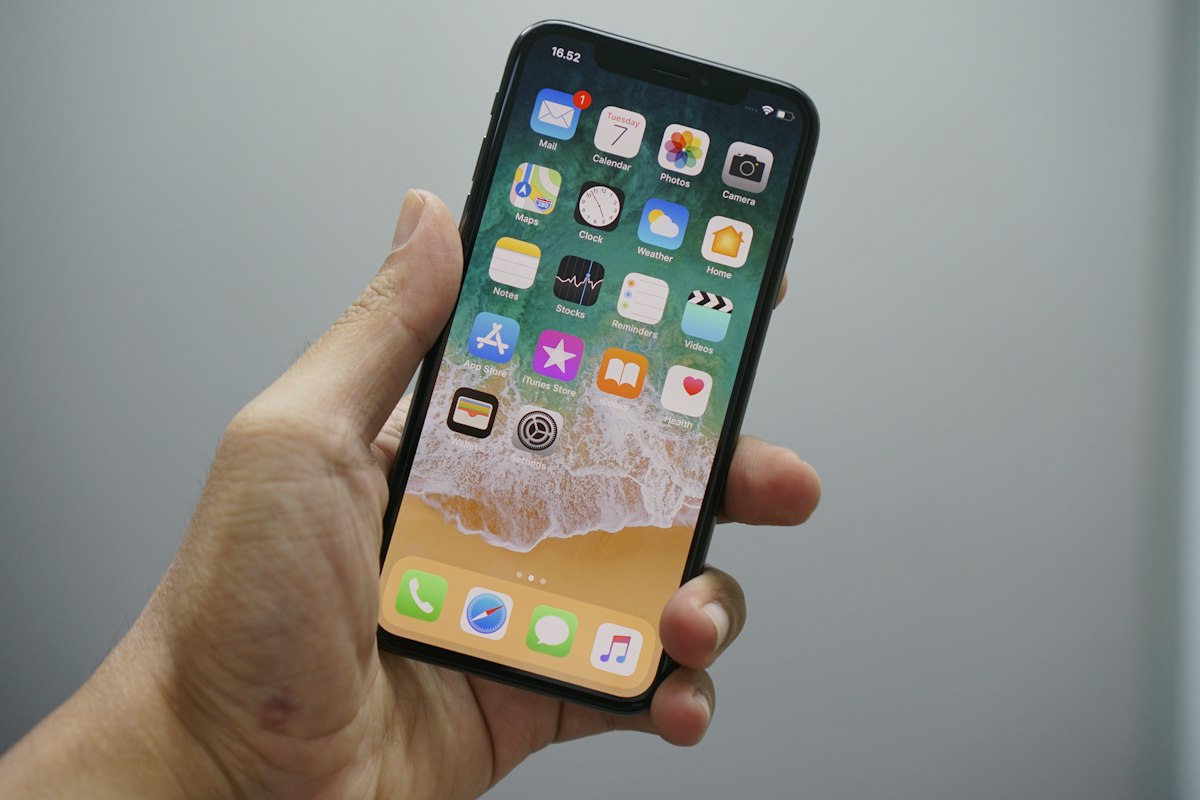
A practical 2026 guide to verifying iPhone, Samsung, Google Pixel, iPad and Android compatibility before buying a travel eSIM.
Quick Answer
If you plan to buy a travel eSIM in 2026, first confirm your exact device model, region (country/carrier), and software version. Most recent iPhones, many Samsung Galaxy and Google Pixel models, and many modern tablets support eSIM — but support varies by model, carrier lock status and region. Use your device settings to confirm eSIM capability or see our device compatibility tool: Check device compatibility.
How to verify your device supports eSIM
1. Check device settings
Open Settings > Cellular or Mobile Data and look for "Add eSIM", "Add eSIM or mobile plan" or "Set up eSIM". If present, the device has built-in eSIM software support. Exact wording varies by OS version and manufacturer.
2. Confirm model number and region
Go to About in Settings to find the model number. Some models support eSIM only in specific regions or when unlocked. Carrier-locked units can lack eSIM activation even if the hardware supports it.
3. Check carrier and firmware restrictions
Contact your carrier or check their support pages—carriers occasionally restrict eSIM on certain plans or locked devices. Also ensure the device runs a recent OS version; updates can add eSIM features or fixes.
Device support overview (practical table)
The table below summarizes common support patterns in 2026. This is a general guide—always verify your exact model and carrier.
| Device family | Typical eSIM support (2026) | Notes |
|---|---|---|
| Apple iPhone | Commonly supported | Many recent iPhone models include eSIM support; dual-SIM behavior and esim+nano-SIM combos depend on model and region. Carrier-locked phones may be restricted. |
| Samsung Galaxy | Supported on many flagship & newer models | Galaxy S, Note, Z series often include eSIM in many markets. Some carrier variants or older models may not support it. |
| Google Pixel | Commonly supported | Pixel models from recent generations tend to support eSIM, but availability can vary by carrier and region. |
| Android (other brands) | Varies by maker/model | Many mid- and high-end Android phones added eSIM support by 2026; check the specific model and firmware. |
| iPad & tablets | Often supported on cellular models | Cellular iPads and some Android tablets may include eSIM for data-only plans; phone calling via eSIM varies. |
iPhone specifics
What to look for on iPhone
Check Settings > Cellular > Add Cellular Plan. Apple sometimes ships different radio firmware by region, so a model sold in one country may behave differently in another. If your iPhone is carrier-locked, confirm with the carrier whether eSIM activation is allowed.
Dual-SIM and lines
Many modern iPhones support a combination of physical SIM and eSIM or multiple eSIM profiles. The number of active profiles and primary/secondary line behavior depends on iOS version and model.
Samsung, Google Pixel, and other Android details
Samsung
Samsung adds eSIM to many flagship Galaxy devices; check Settings > Connections > SIM card manager. Remember that some carrier-branded units may not enable eSIM even if the phone is capable.
Google Pixel
Pixel phones usually include eSIM support in software. Verify the option in Network settings and check for carrier activation steps. For travel eSIMs, Pixels typically allow easy eSIM profile downloads via QR or activation code, but process UI can change by Android version.
Other Android brands
OEMs like OnePlus, Xiaomi, and Motorola have increasingly added eSIM to select models. Always confirm the specific model and region and test activation before travel when possible.
Tablets and non-phone devices
Many cellular iPads and some Android tablets support eSIM for data plans. Wearables (smartwatches) may support eSIM but often require tethering or specific carrier provisioning. If you plan to use a tablet or wearable as your primary travel device, verify plan compatibility and local roaming rules.
Before buying a travel eSIM — checklist
- Confirm device model and check Settings for eSIM setup options.
- Check whether your device is carrier-locked and whether the carrier allows eSIM activation.
- Verify the eSIM vendor supports your destination countries via their coverage page; see our country list for reference in planning.
- Consider local network differences: rural vs urban coverage and seasonal demand can affect performance; research local operators if you need consistent service.
- For practical device-specific checks, use our compatibility tool: Check device compatibility. For an explanation of how eSIM works, see our beginner’s guide: How eSIM works.
For multi-destination travel planning and popular affordable options, our travel guide may help: Top 5 destinations for affordable eSIM 2026. To check supported countries quickly, consult our country list.
Troubleshooting and activation tips
Before departure
- Install any necessary OS updates to ensure the latest eSIM code.
- Download and save the eSIM QR code or activation details where you can access them offline (screenshot or secure note).
- Test a domestic eSIM activation if possible, or perform a dry run with the vendor’s free/low-cost plan.
Activation common steps
- Open Settings > Cellular > Add Cellular Plan and scan the QR or enter the activation code.
- Follow carrier/vender prompts to label lines and set default data or voice line if applicable.
- If activation fails, try toggling Airplane Mode, restarting the device, or contacting the eSIM vendor for steps specific to your model.
Visible FAQs
1. How do I know if my phone is eSIM compatible?
Check Settings > Cellular/Mobile Data for an "Add eSIM" or "Add Cellular Plan" option, verify your model number in About, and confirm your carrier allows eSIM on that model.
2. Can a carrier-locked phone use a travel eSIM?
It depends. Carrier-locked phones may restrict eSIM activation; contact the carrier or check the phone’s unlock status. An unlocked phone generally offers the most flexibility.
3. Do iPads support travel eSIMs?
Many cellular iPad models support eSIM for data-only plans, but voice calling via eSIM on tablets is limited. Confirm the specific tablet model and the eSIM provider’s support.
4. Will an eSIM work immediately after I land in a new country?
Often yes, but activation requires following the vendor’s steps. Local network coverage varies by area and season, and some activations may need roaming to be enabled or a brief setup step.
5. How many eSIMs can my phone store?
Storage limits differ by device and OS. Some phones can store multiple profiles but limit the number of simultaneously active profiles. Check your device documentation or manufacturer support pages.
6. Where can I check which countries a travel eSIM covers?
Check the vendor’s coverage list for supported countries and operators. For an overview of all countries we support, see our country index.
View supported countries and use our compatibility page to confirm model-level details before purchase: Check device compatibility.